Structured records
Store account names, usernames, passwords, URLs, notes, categories, and recovery details in one organized place.
How records workAndroid, iPhone, and iPad password vault
A focused mobile vault for people who want a clear place to store credentials, websites, notes, categories, and recovery reminders on Android, iPhone, and iPad.
App preview
Password Bunker Pro gives users a structured place to create account records, review details, organize categories, and manage security settings.
A focused mobile vault experience for organizing account details you need to keep close and easy to find.
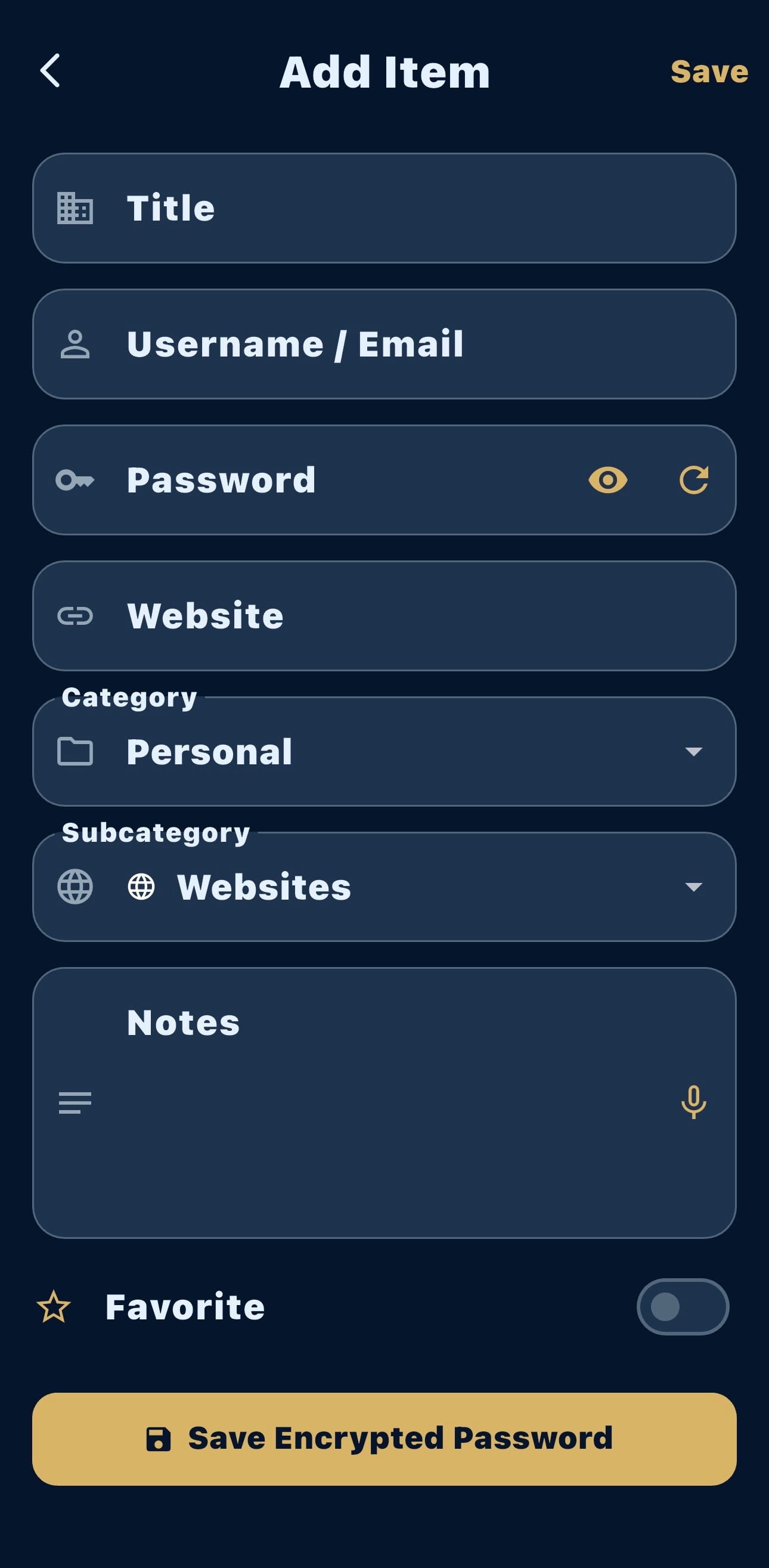
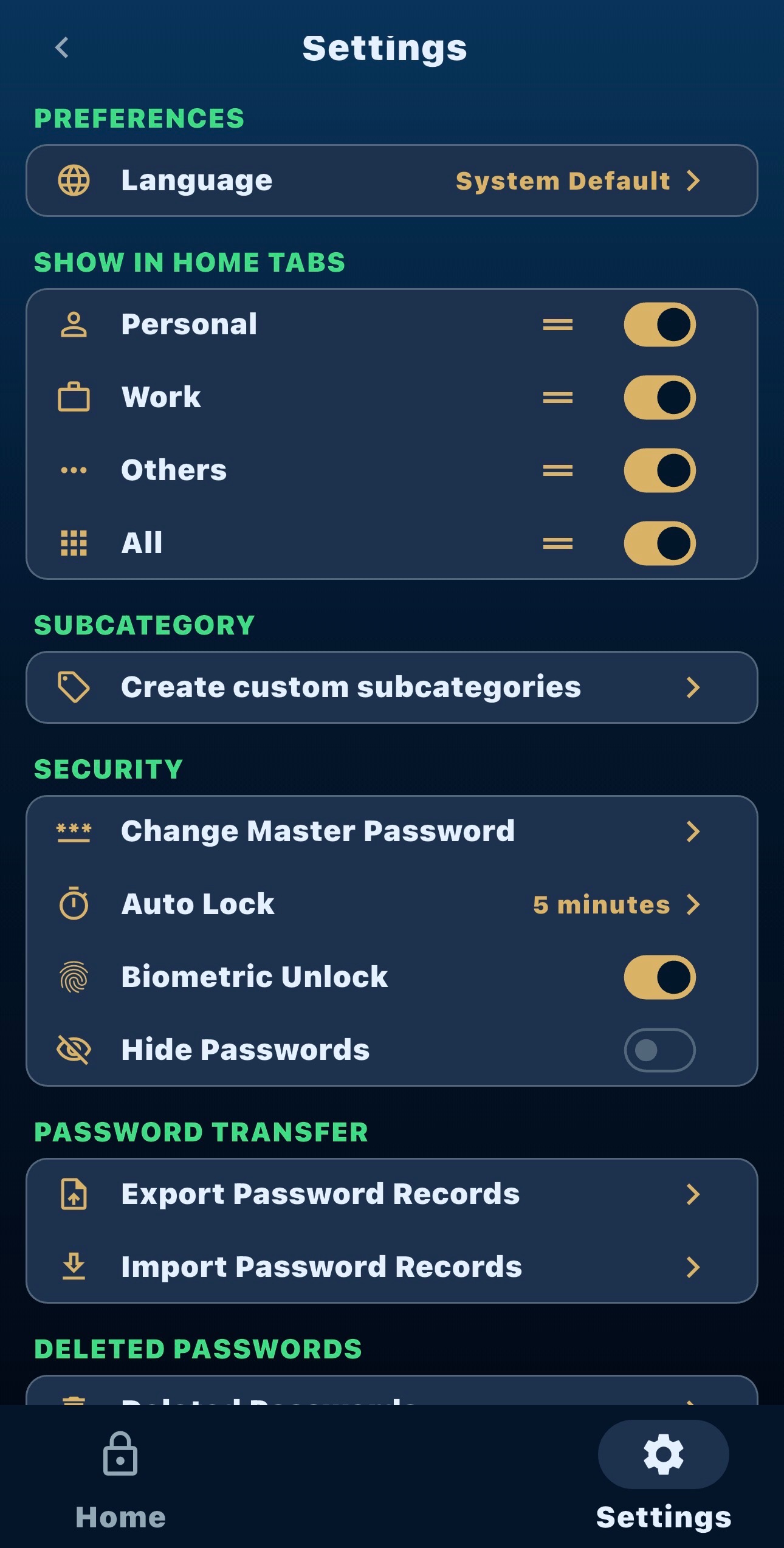
Store account names, usernames, passwords, URLs, notes, categories, and recovery details in one organized place.
How records workQuick lookup, simple editing, category tabs, favorites, and review workflows help keep daily password work straightforward on phones and tablets.
Daily workflowUse the settings area to manage password transfer options, security preferences, and vault behavior.
Backup guidanceYour vault is designed around local organization, so important account details stay under your control.
Keep usernames, websites, notes, recovery reminders, and 2FA details together with each saved login.
Search across saved records, filter by category, and use custom subcategories to keep accounts easy to locate.
Copy saved details, edit records, mark favorites, and manage import or export options from a simple interface.